

I have to admit something right away: I am very far from esports. Competitive gaming, rankings, reaction-time bragging rights — all of that lives in a universe parallel to mine. I play computer games rarely, usually in short bursts between projects, experiments, and long nights spent debugging something that absolutely should have worked on the first try.
But every now and then, life creates an unexpected pause.
Some of my current projects are frozen due to rising memory prices. Others are stuck in a much more familiar way — because I can’t quite guess which exact version of an iviLink bridge I actually need. When progress stalls on all fronts at once, there is only one reasonable thing left to do: play a little.
Modern games, conveniently, often come with built-in performance benchmarks. For someone who runs Linux, experiments with hardware, and enjoys understanding how systems behave under load, this alone is already interesting. Gaming becomes less about competition and more about observation, testing, and curiosity.
And this is where my long-standing habit starts to crack.
All my life, I have played games the same way: keyboard in front of me, mouse under my right hand. No consoles. No PlayStation. No Xbox. No couch gaming. Just a PC, a desk, and the familiar click-clack of keys. I always believed — honestly and without question — that this was the most comfortable and precise way to play. For me, it wasn’t even a debate.
Then I ran into a few games that challenged that belief.
Games like Star Wars Jedi: Fallen Order (and similar titles) were clearly born on consoles. Controllers were their native language. Keyboard and mouse support exists, yes — but it feels translated, not original. The movement, the camera control, the combat flow… everything quietly whispers: “This was meant for a controller.”
That’s when curiosity kicked in.
I started looking at controllers — really looking at them — and quickly realized that the world of game controllers is far larger and more complex than I had expected. Different shapes, different layouts, different button mechanics, adaptive triggers, haptic feedback, wired vs wireless, Bluetooth quirks, firmware updates, kernel support… and, of course, Linux compatibility.
So I decided to approach this the same way I approach everything else: methodically.
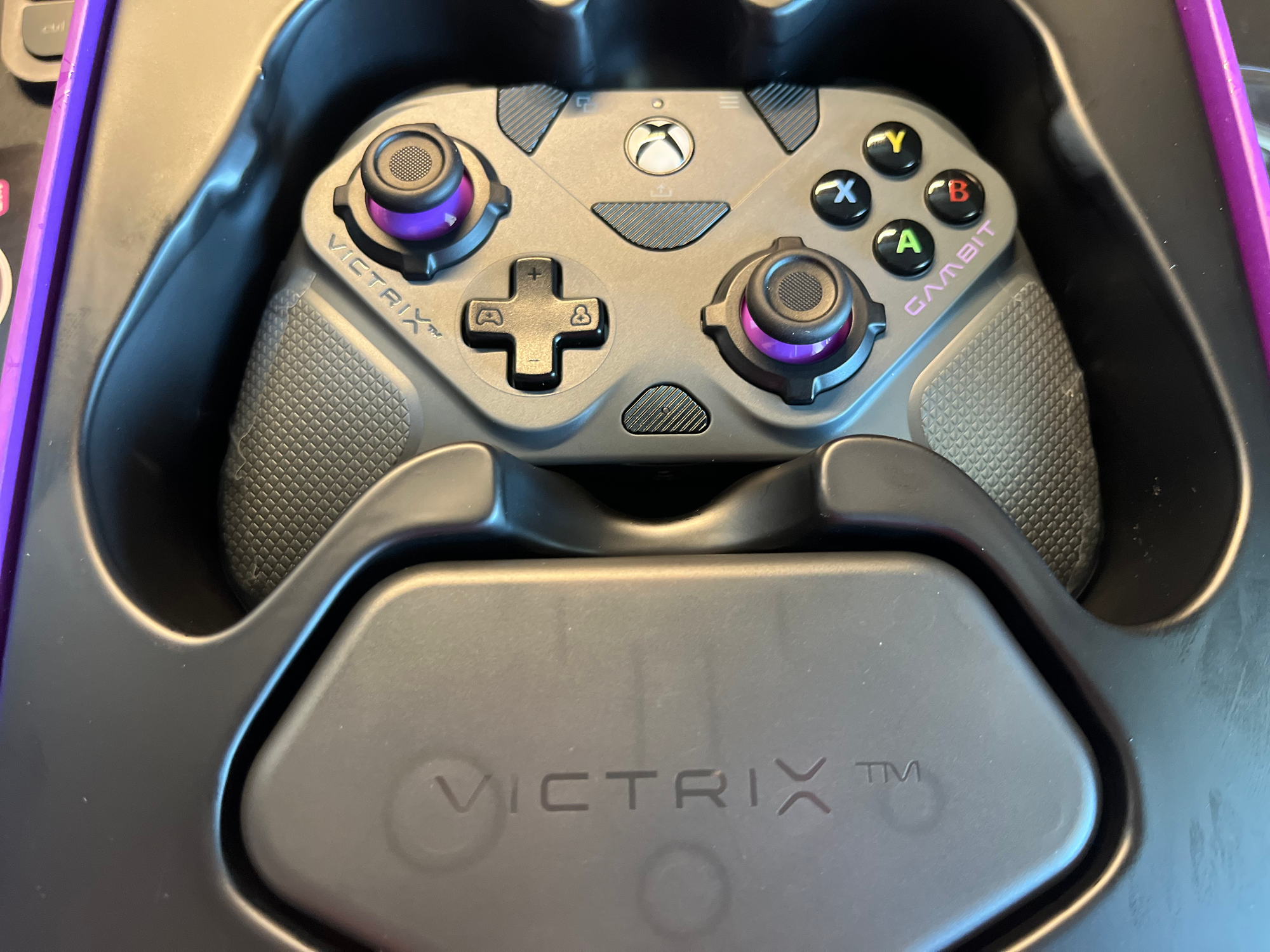
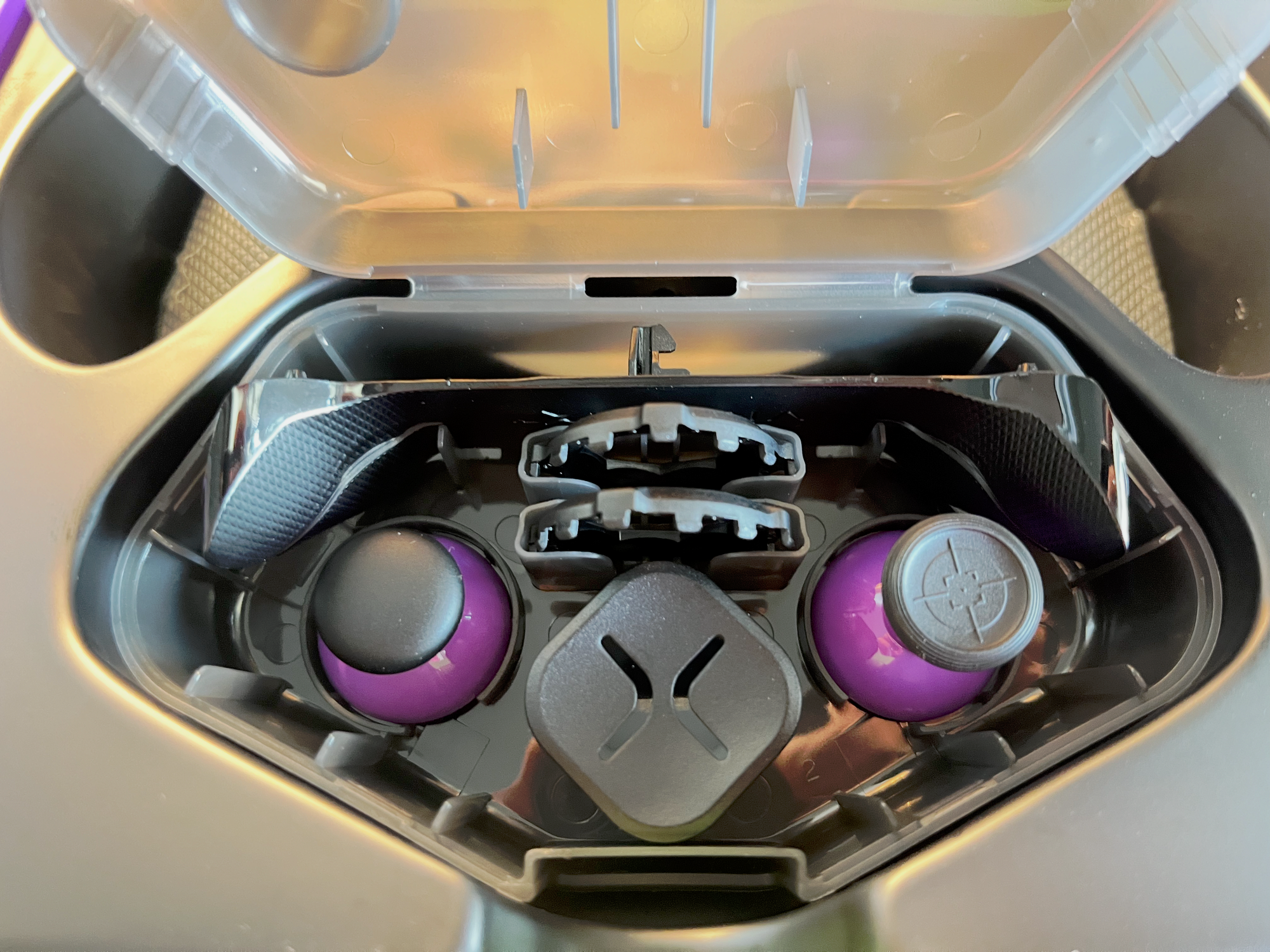
I ordered several controllers. Not just one. Different types, different price ranges, different connection methods. Two wireless controllers and one wired one to start with. No assumptions, no brand loyalty — just testing.
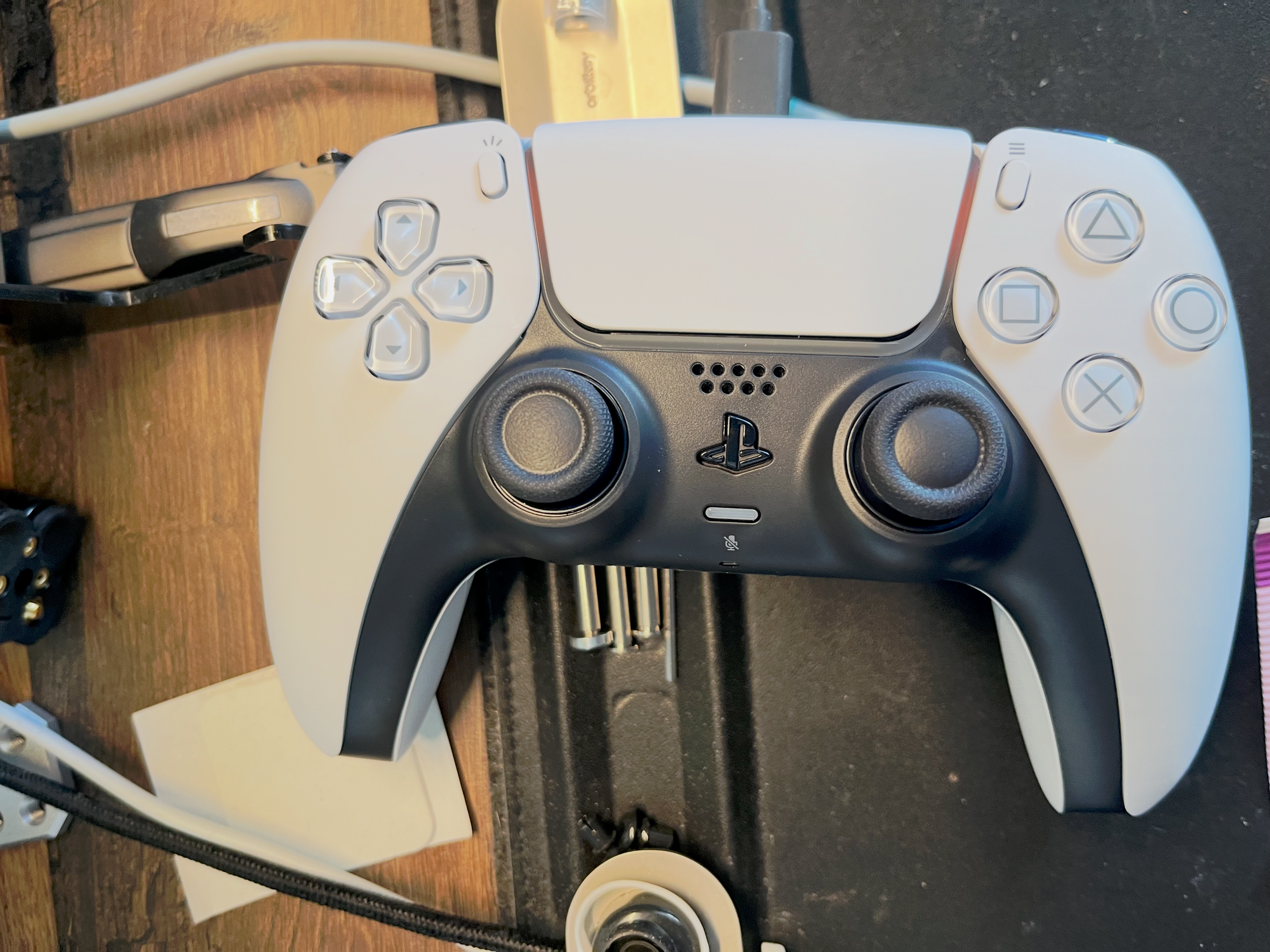
The first to arrive is the PlayStation DualSense controller.
As each controller arrives, I plan to test it on Linux properly:
- How well it connects (Bluetooth vs cable)
- How it behaves in Steam and non-Steam games
- Input latency
- Driver support
- Feature support (vibration, adaptive triggers, LEDs)
- And most importantly: how it feels after years of keyboard and mouse muscle memory
This won’t be a lab report. It will be my personal verdict — honest, practical, and sometimes probably subjective. But that’s the point. I’m not trying to prove which controller is “the best.” I’m trying to understand whether a lifelong keyboard-and-mouse player can comfortably cross that line.
And maybe — just maybe — discover that Linux gaming from the couch isn’t such a strange idea after all.
Gaming Controllers