

Can my Linux server run Crysis? Spoiler: yes — but not before making me question my sanity.
1. Introduction — The Eternal Question: Can It Run Crysis?
There are moments in life that define who we are.
For some people, it’s their first job.
For others, the birth of a child.
For me?
It was the moment I sat in front of my AI server — a monstrous machine with two NVIDIA RTX 2080 Ti GPUs — and asked:
“Alright, let’s see if Linux can run Crysis Remastered.”
You see, I wasn’t just chasing nostalgia.
I was chasing redemption.
Fifteen years ago, I played one of the Crysis titles (the first or the second — who can remember?) back when I was a more active gamer, with fewer responsibilities and more hair. I absolutely loved it: the nanosuit, the soundtrack, the explosions, the whole “I’m a one-man army in a tropical nightmare” atmosphere.
So now, years later, I decided to revisit the classic — but with a twist.
Not on Windows.
Not on a regular gaming PC.
But on my Linux AI workstation, because my hobbies are “technology,” “making things harder than they need to be,” and “suffering.”
This became an unexpectedly epic journey.
2. Installing the Game — The Calm Before the Storm
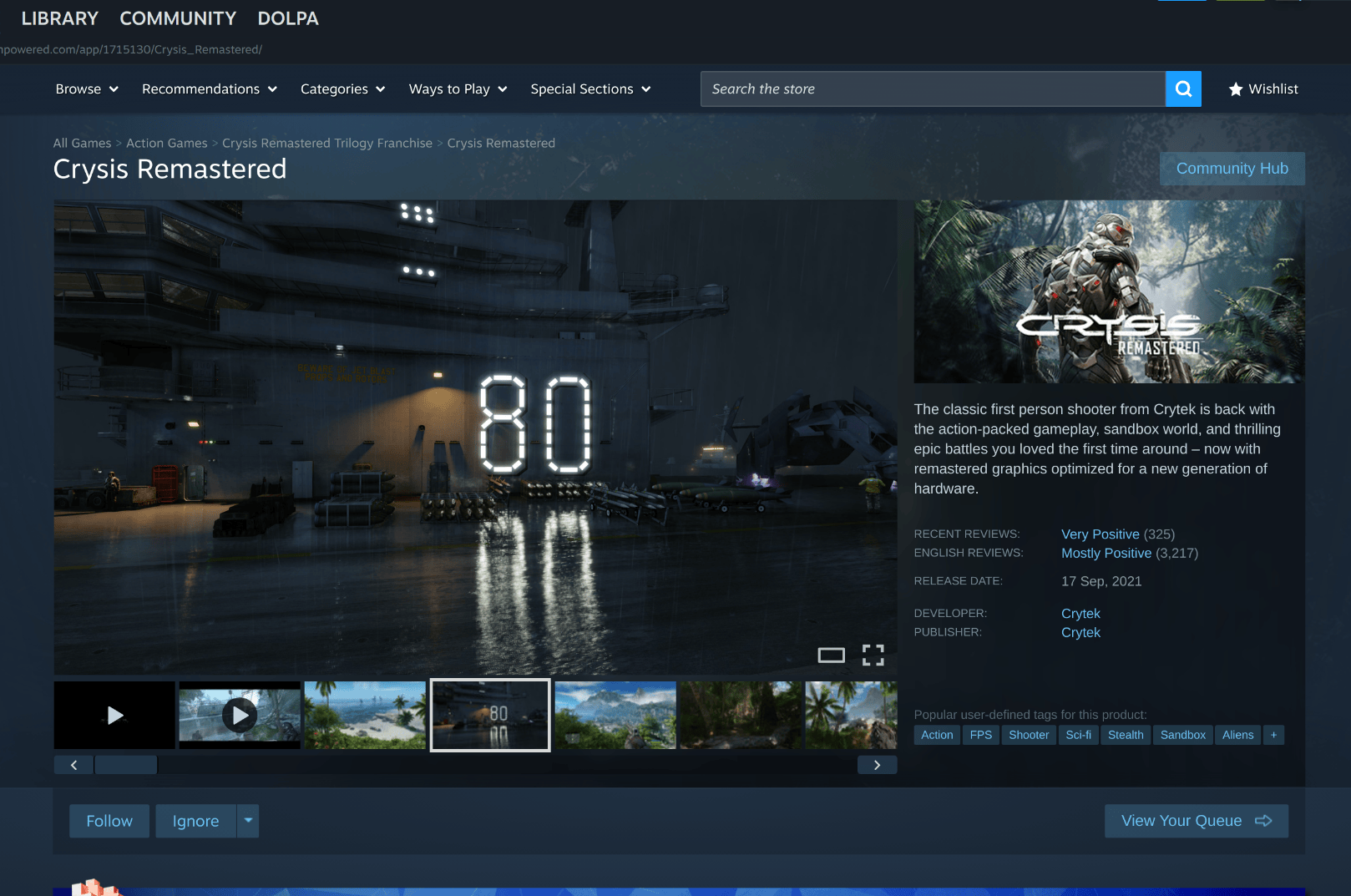
Installation on Steam was peaceful. Even too peaceful.
I clicked Install, it downloaded, and the “Play” button appeared without throwing any warnings, curses, or kernel panics, just kidding 😁. Whenever Steam behaves politely on Linux, I get suspicious.
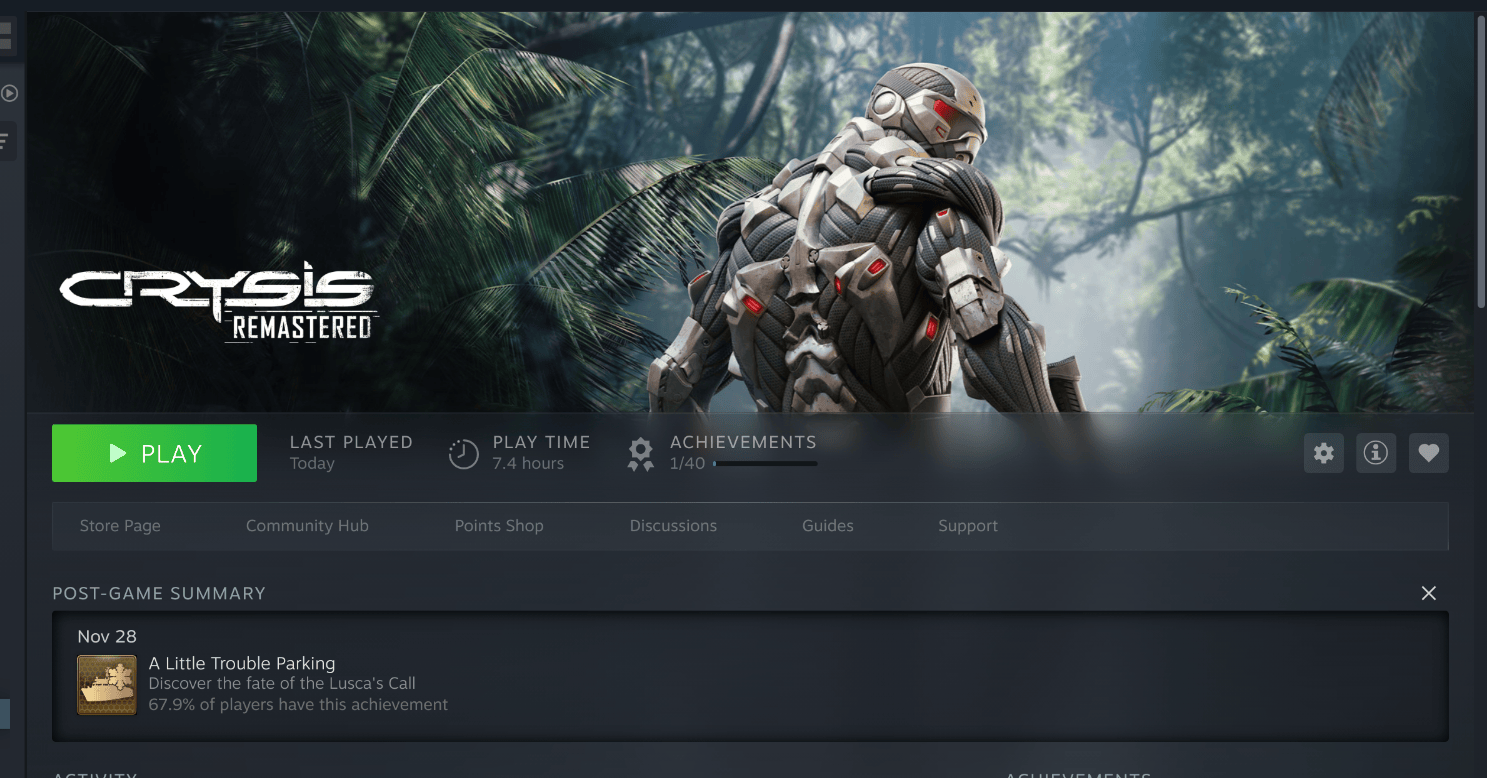
3. The Proton Ritual — My Standard Linux Gaming Survival Method
For each new game on Linux, I follow a sacred procedure that has taken years to perfect:
- Start with the latest Proton version.
- If the game doesn’t launch → downgrade.
- Repeat until either:
- The game launches
- Or you reach Proton 6 and begin questioning your life choices
When a game is older than most memes on the internet, it usually refuses to cooperate with the latest Proton.
Crysis, originally released when dinosaurs used DirectX 9, is such a game.
So I tested Proton 9.
No launch.
Proton 8.
Still no.
Proton GE.
No luck.
Then I set Proton 7.
The fans on my server spun up.
Steam flashed briefly.
The game launched.

Why Proton 7?
Crysis Remastered relies heavily on DirectX 11/12 and CryEngine’s quirks.
Older Proton builds often work better because:
- They have older DXVK versions compatible with legacy rendering
- fewer regressions
- Better stability with older titles
Proton 7 was the sweet spot.
Pro Tip for Readers
If your older game refuses to launch, always try Proton 7 or Proton 6 early.
4. The Resolution Disaster — When a Game Wants to Become an 8K Hollywood Movie
Now that the game has launched, I expected a quick settings adjustment and then smooth gameplay.
Hah.
Foolish optimism.
Here’s where the real battle began.
The Problem
My monitor supports 4K (3840 x 2160).
My GPU supports 8K output (6144 x 3456).
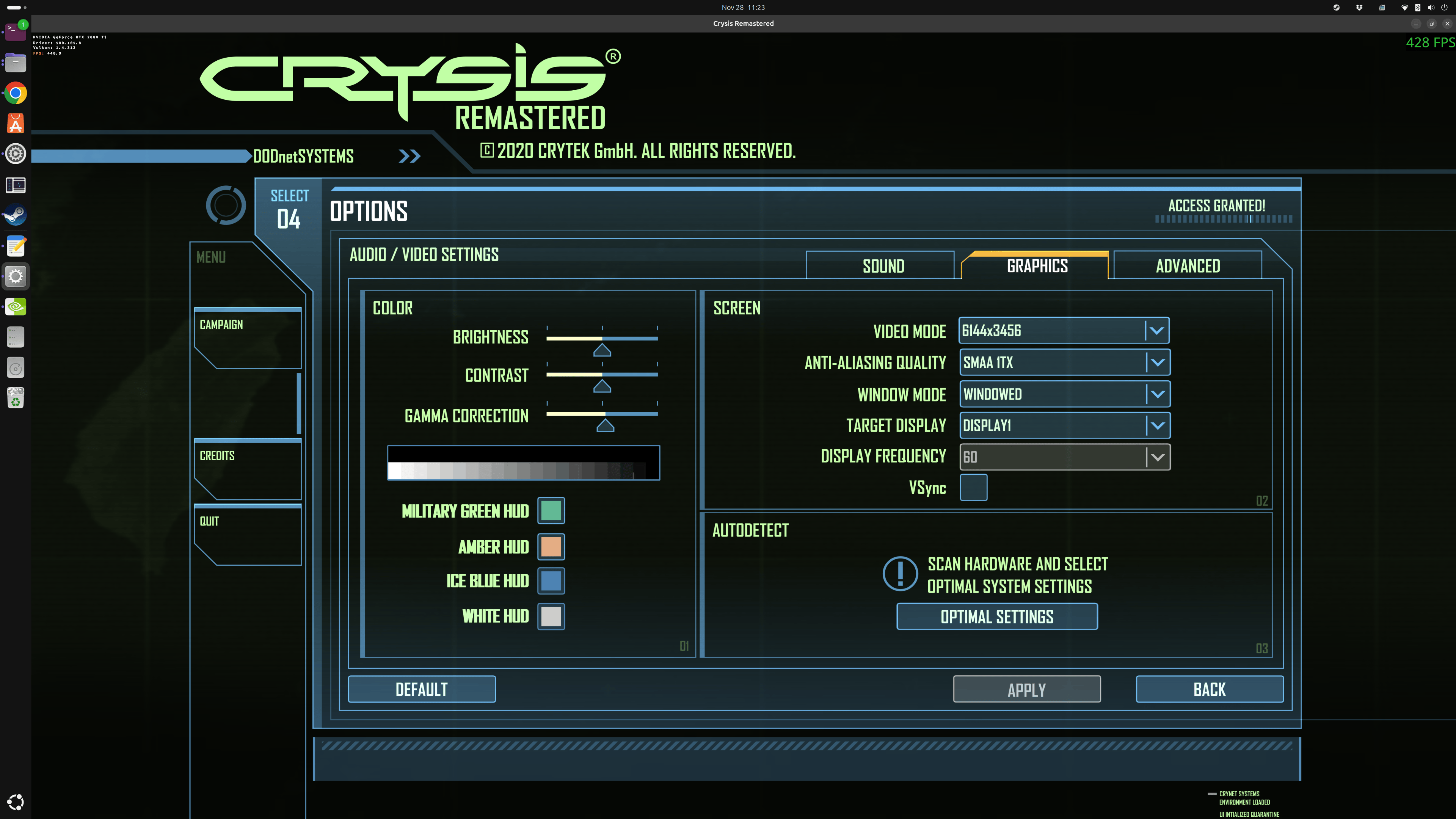
Crysis Remastered, for some reason, decided:
“Let’s run at 8K because… why not?”
At 8K, the performance was roughly 1 FPS. Sometimes 0.5 FPS, if you count dropped frames.
The game was literally unplayable — more like a slideshow narrated by a nanosuit.
Trying to Lower the Resolution
I opened the graphics menu.
Expecting:
- 4K
- 1440p
- 1080p
What I found instead: 800×600, 1024×768, 1280×1024, etc.
Basically, every resolution except the one any sane monitor uses in 2025.
Nothing above 1080p.
No 4K.
Or the default resolution from the Maximum Digital Resolution graphics card can provide or thislis from 1900:
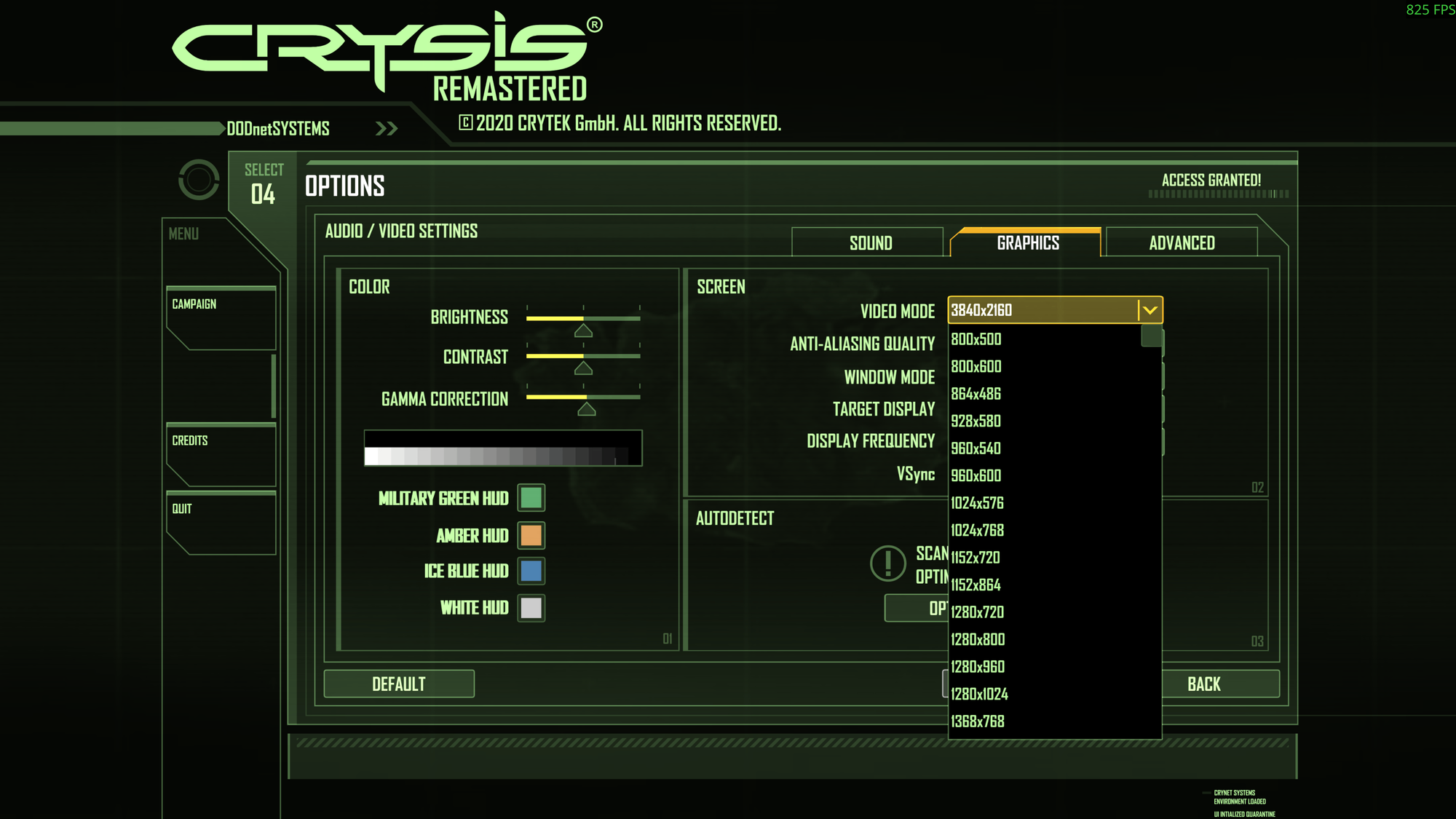
This is a CryEngine quirk combined with DXVK oddities.
5. Looking Under the Hood — CryEngine + DirectX + Linux = Chaos
Crysis Remastered uses CryEngine, which:
- is built around DirectX,
- expects to run on Windows,
- does not understand your Linux feelings,
- and definitely doesn’t know what a
.local/share/Steam/compatdatafolder is.
To make things more complicated, CryEngine games like to read the GPU’s maximum output resolution — not the monitor’s — and they try to use that.
Bad combination.
Very bad.
Luckily, I had already written posts explaining:
- How to test and configure OpenGL
- How to configure DirectX and DXVK
- How to troubleshoot Proton
Readers who need those details can refer to your earlier articles.
6. Forcing a Resolution Manually — Enter Command-Line Parameters
Since CryEngine didn’t want to cooperate with normal options, I used the Steam Launch Options field to force my desired resolution.
Here’s what I added:
PROTON_NO_ESYNC=1 PROTON_NO_FSYNC=1 vblank_mode=0 %command% +r_width 3840 +r_height 2160This tells the engine:
“Listen, you stubborn 20-year-old piece of code.
Run at 4K and behave yourself.”
To apply this:
Steam → Right-click game → Properties → Launch Options
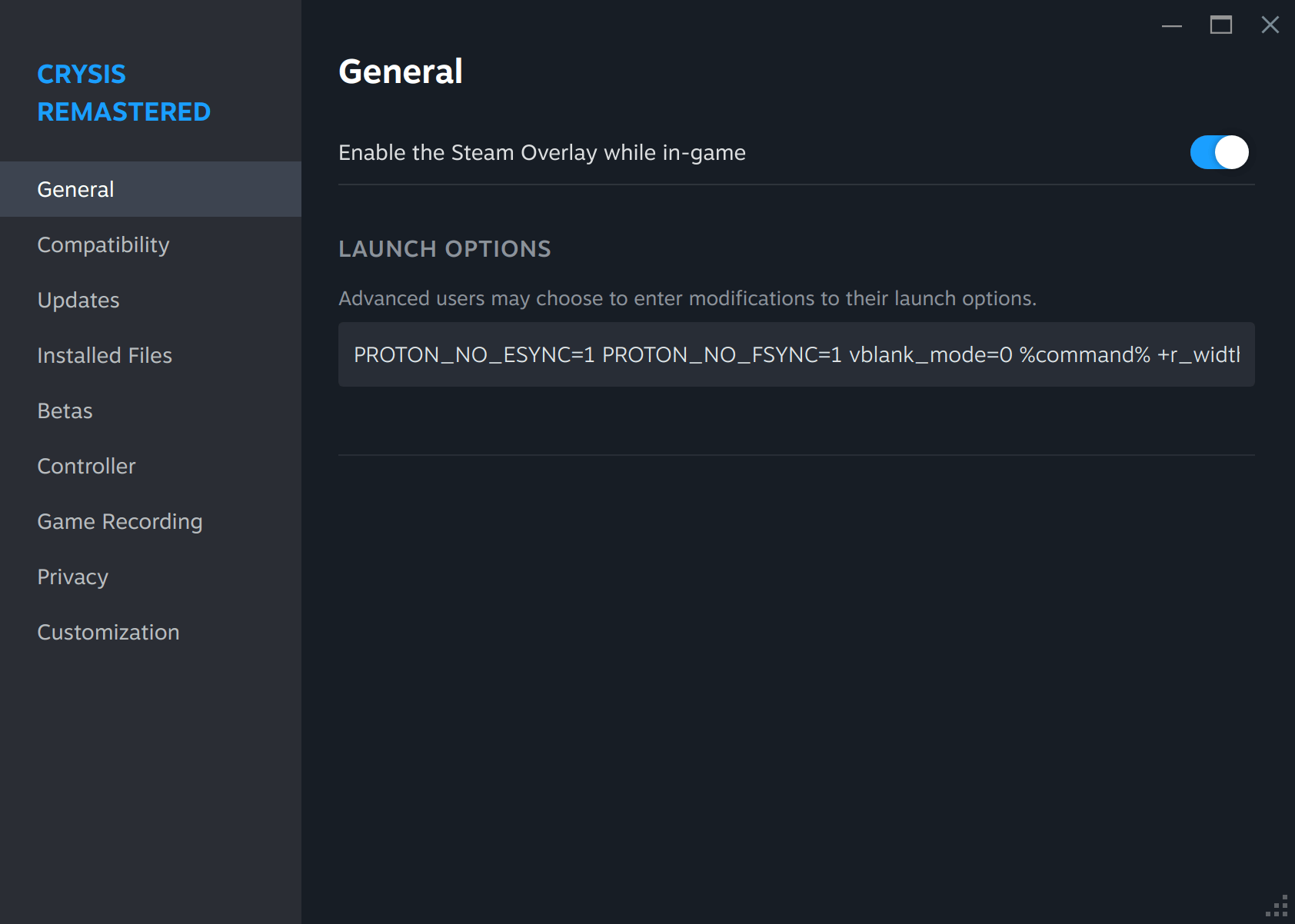
Add to the Launch Options:
-r_width=3840 -r_height=2160
Restart the game.
Suddenly… it worked.
No more 8K madness.
A stable 4K experience finally appeared before me.
7. The Actual Gameplay — Running Crysis at 4K on Linux
After finally convincing the game to use the correct resolution, I cranked the graphics to Ultra.
Because it’s Crysis.
You don’t play Crysis on Low.
That’s a crime.
Performance at 4K Ultra on Dual RTX 2080 Ti
- Average FPS: ~30
- Minimum FPS: sometimes ~18
- Maximum FPS: ~40
- Occasional stutter: yes
- Totally playable: absolutely
- Worth it: 100%
To be fair, Crysis Remastered is still demanding even on modern Windows machines.
Now imagine running it:
- through Proton
- through DXVK
- through CryEngine
- on a Linux server
- with half the drivers duct-taped together by Vulkan magic
The fact that it worked at all is a technical miracle.
Visual Quality
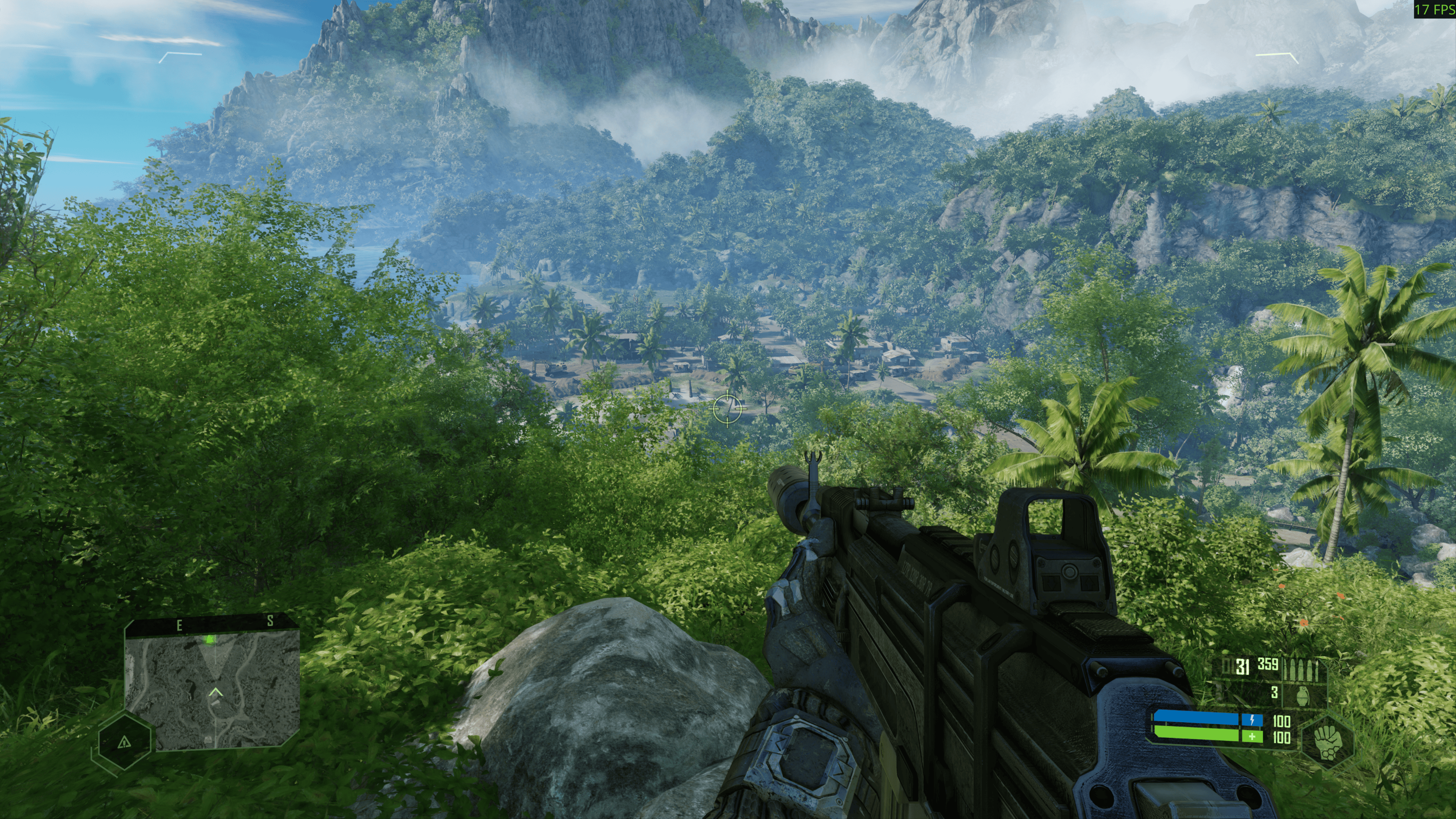
In Ultra settings, the game looked absolutely gorgeous:
- dense jungle foliage
- sunlight scattering through trees
- water reflections
- nanosuit textures
- explosions with volumetric lighting
All of it running on Linux.
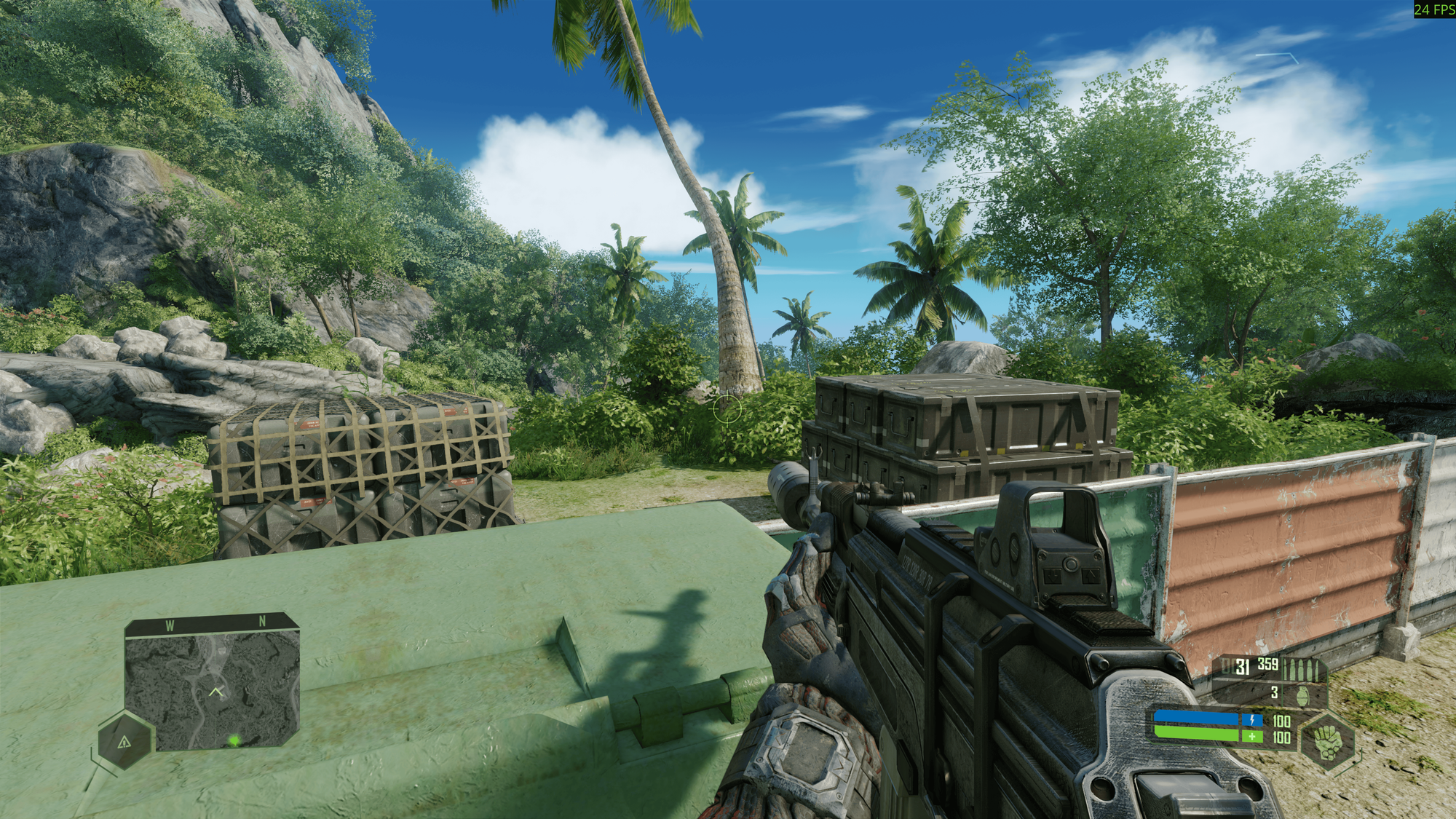
But there are some small graphical glitches like this one with the shadows:
Another issue I ran into was that Alt + Enter simply refused to switch between full-screen and windowed mode, no matter how many times I tried. The experience was odd: from the start time in the full-screen mode, but every attempt to switch to windowed mode, the game would disappear from the screen, leaving only a tiny ghost of itself on the taskbar panel, as if it had decided to play hide-and-seek instead of Crysis, and then I pressed it again, the game reappeared on the screen.
8. Why the Performance Drops Happened
Crysis Remastered is extremely CPU-bound in certain areas, and on Linux:
- DXVK translates DirectX → Vulkan
- Shader compilation happens on the fly
- CryEngine triggers costly draw calls
- Some CPU threads are underutilized because CryEngine is ancient
The result?
Occasional microstutters.
Completely normal.
Even on Windows, this happens.
9. GPU Utilization on My AI Server — Interesting Facts
Because this is a dual-GPU machine, I monitored GPU usage.
Observation: Only One GPU Was Used
Crysis Remastered does not support multi-GPU rendering under DXVK or Proton.
So only one 2080 Ti handled the workload.
Still… impressive.
Monitoring Command
You can monitor GPU usage with:
nvidia-smi -l 1
Or the mighty nvtop :
nvtop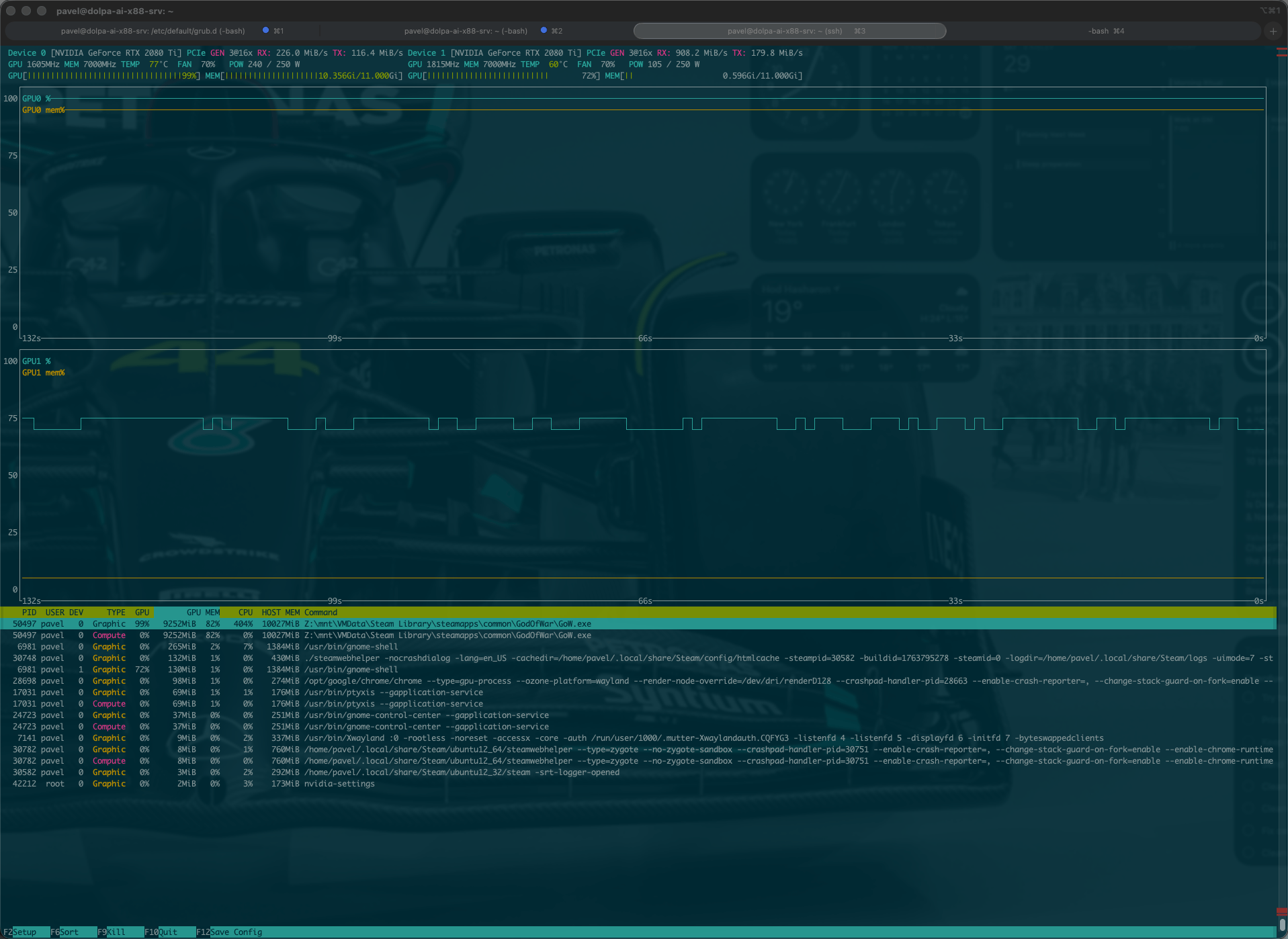
10. Summary of All Launch Parameters Used
Here is the full Launch Options configuration I ended up using:
PROTON_NO_ESYNC=1 PROTON_NO_FSYNC=1 vblank_mode=0 %command% +r_width 3840 +r_height 2160Optionally, enable fullscreen borderless:
-masses 1 -windowed 0 -fullscreen 1
11. Final Thoughts — The Linux Gaming Victory I Didn't Expect
After hours of tweaking, experimenting, and convincing the CryEngine that 4K resolutions actually exist, I finally sat back and enjoyed the game.
Was it perfect?
No.
Was it playable?
Definitely.
Was it beautiful?
Absolutely.
Was it worth the effort?
Hell yes.
The fact that a Windows-exclusive, DirectX-heavy game originally released nearly two decades ago ran on my Linux AI server with dual RTX 2080 Ti GPUs…
was genuinely astonishing.
And honestly?
This whole experience reminded me why I love Linux:
- Nothing ever works out of the box.
- But almost everything can be made to work.
- And once it does, the victory feels like defeating a final boss.
Would I recommend this setup to casual players?
Probably not.
Would I do it again?
100%.
Because now I can finally say:
Yes. My Linux machine can run Crysis.